

note Heroku Vibes is currently in pilot. Pilot features are considered Beta Services and covered by the Salesforce Beta Services terms.
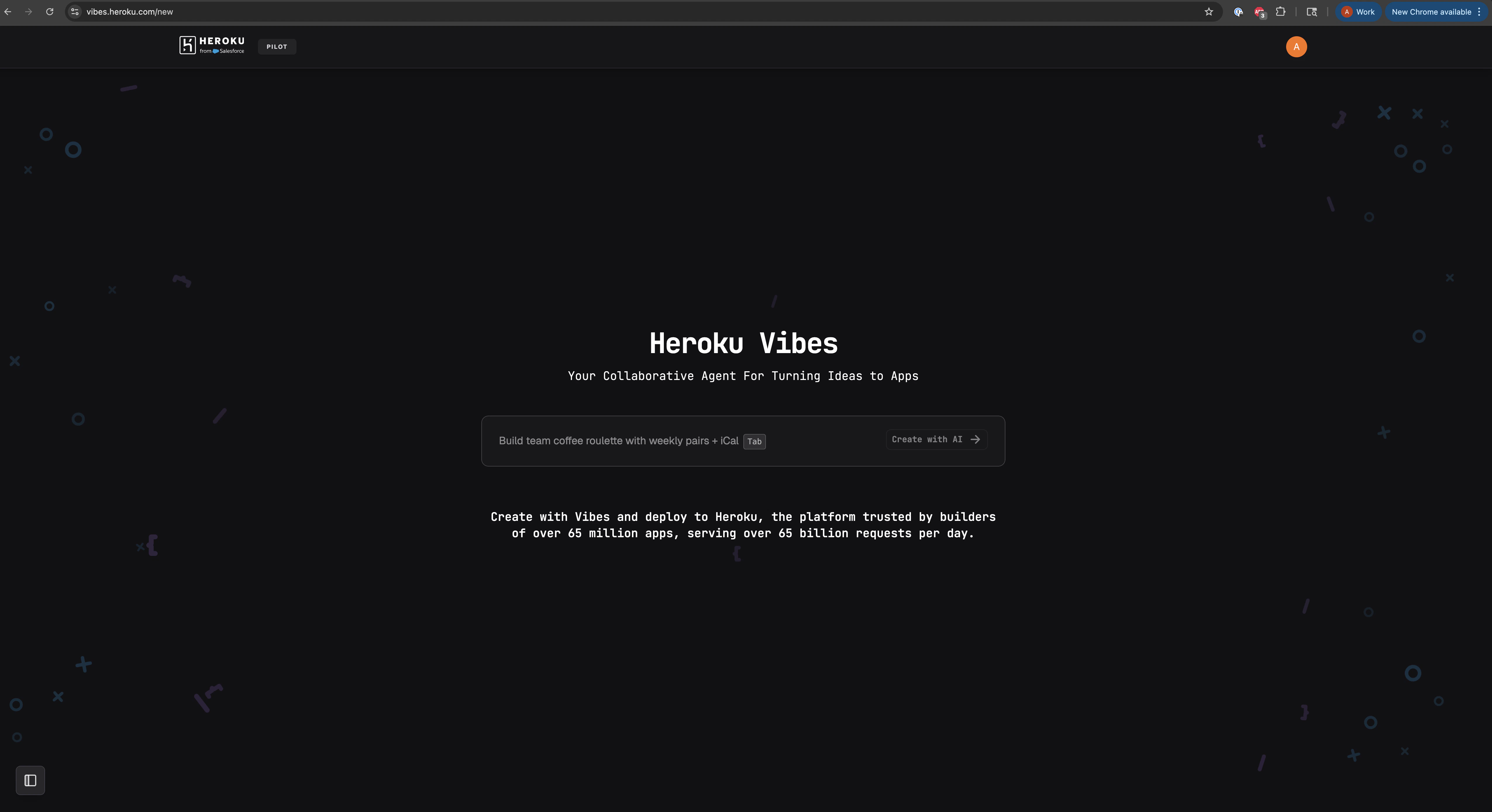
Why Vibes
- Minutes from idea to URL – a single prompt spins up a dyno, repo, and preview link so you can validate concepts before writing code.
- Guided workflow – the interface shows the to-do list the agent follows, previews the generated UI, and surfaces follow-up prompts so you stay in control.
- Production-ready handoff – transfer the project into any verified Heroku account with a click and keep shipping from the dashboard or CLI.
- Powered by MCP – the agent, widgets, and collaboration tools use the Model Context Protocol, letting you extend the experience with your own tools.
Core capabilities
| Capability | What you get |
|---|---|
| Conversational app generation | Describe the stack, features, or integrations you need. Vibes breaks the work into tasks and implements each step in sequence. |
| Live previews | Every project renders inside the UI and exposes a sharable preview link. |
| Add-on provisioning | Mention databases, cache layers, or other add-ons in your prompt and Vibes attaches them automatically with the right config vars. |
| Transfer & continue | Promote the temporary project into any verified Heroku account to gain repo access, deploy new commits, and scale dynos. |
| Rich widgets | Interactive widgets (maps, galleries, tables, video) make generated apps feel polished and let you teach the agent custom components. |
Typical workflow
- Prototype – capture an idea in a prompt. Vibes creates a to-do list and implements each step while you watch the preview update.
- Iterate – adjust copy, add features, or request styling tweaks via follow-up prompts. Each prompt updates the codebase and refreshes the preview.
- Verify – sign in and verify your account to unlock transfers and higher message quotas.
- Transfer – hand the app to your Heroku account, download the code with
heroku git:clone, and continue shipping normally.